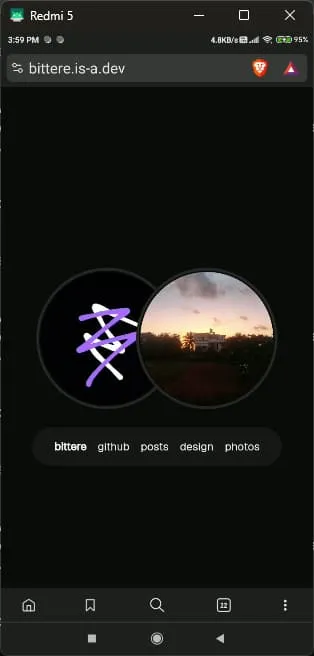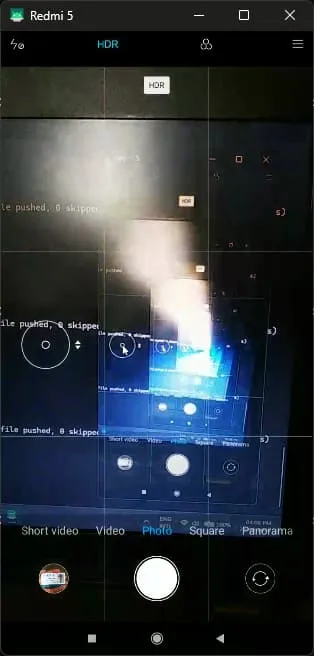
my phone’s screen broke.
red bars on the sides and random ghost taps everywhere.
i could still kinda use it. if i pressed a certain spot on the corner, it would behave for a short while.
obviously, i couldn’t really use it like this. and clearly the best solution was to fix the screen figure out a way to mirror the screen on my laptop.
the challenge: usb debugging
when you normally connect your phone to your laptop via a usb cable, your phone usually just charges or allows you to transfer files.
that wouldn’t be enough.
there is a way to control an android phone from any laptop using just the usb cable (and by control, i mean root/modify/do whatever you want, really) called usb debugging.
it’s turned off by default for obvious security reasons, so i would have to go to settings and turn it on manually…
…which wouldn’t have been a problem if my goddamn screen was working.
although, after that was done, it was smooth sailing. install scrcpy, run a command, and boom, you’re done.
this is probably how i’m gonna keep my phone, at least for the rest of this semester.